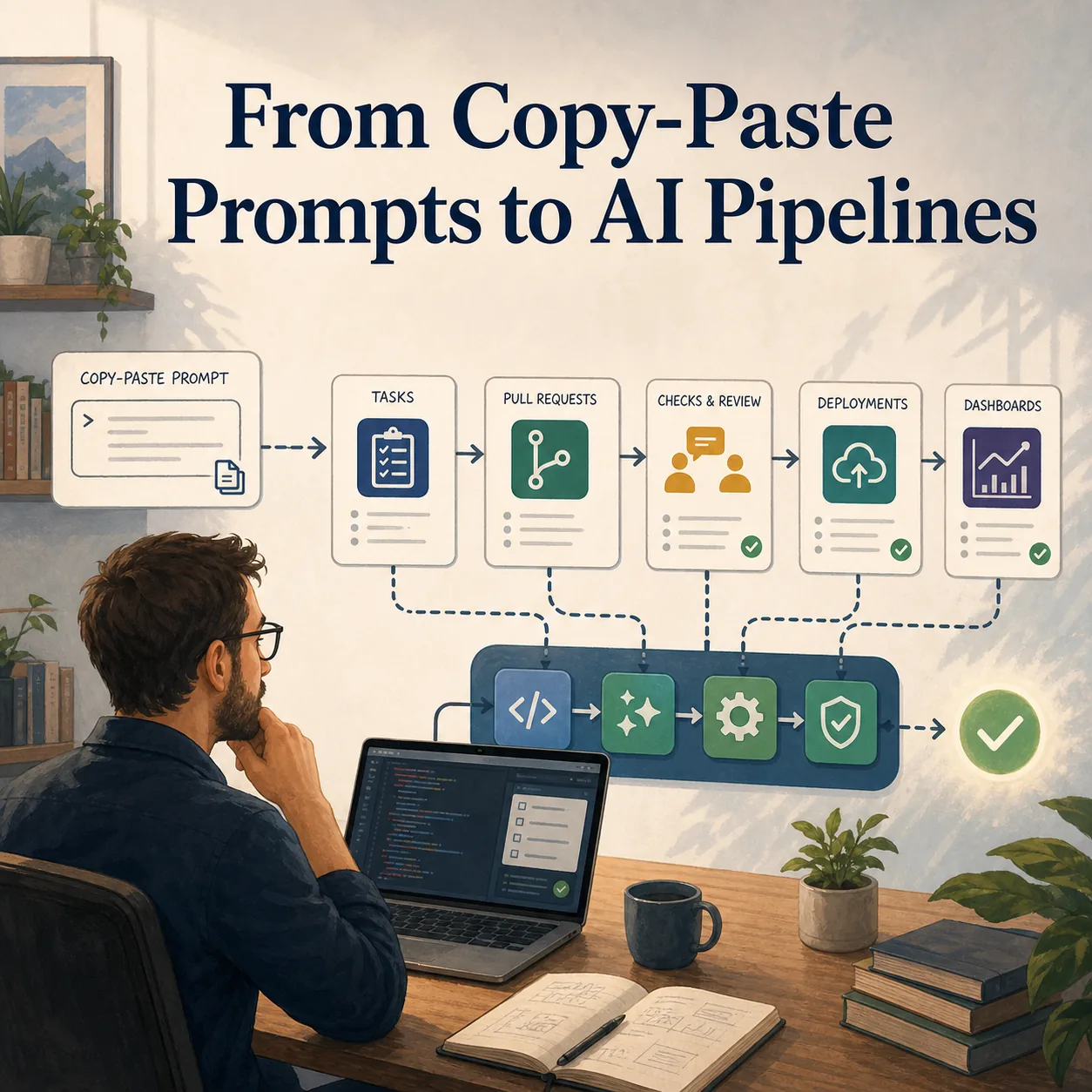
Looking at where we are today in my company and how we use AI, I think it is fair to say that we have gone a long way and still have a long way to go. My own use has changed a lot over the last few years. I started like many people did, using ChatGPT mostly by pasting errors, asking questions, and going back and forth until something useful came out. When I look at some of those early prompts now, it feels a little like looking at code I wrote when I started in 2003. I can see what I was trying to do, but I can also see how much I did not understand yet.
With the speed at which the tools and the expected way of working keep changing, I have no doubt I will look at what I am doing now in a year and think the same thing again. That is part of what makes the shift interesting. Around me, I see a real difference between people who used to be developers and people who still code every day. I include myself in the first group now. For us, AI brings back a feeling of creating that can fade when you move farther away from day-to-day development. After enough time away, building something again can start to feel like it will take too much time compared with everything else you have to do.
AI changed that feeling for me. At first, it was mostly copy-paste debugging. Then it became planning ahead, giving the tool more context, and letting it work through a larger part of the implementation while I continued with other tasks. That planning-and-review loop made it feel like I had time to code again. I could spend a smaller amount of focused time, let the tool do some of the mechanical work, and come back to evaluate the result. I am careful with that, because I would not claim that everything I build this way is production-ready. But I have had a lot of fun with it, and the range of things I have been able to build is much larger than it would have been if I had needed to do all of it manually.
One of the first useful patterns was pulling operational data together. I built tools to aggregate Jira worklogs with story details and comments from both Jira Cloud and our on-premise Jira, pull requests and pull request comments from GitHub, and deployment information from Jenkins, AWS CodePipeline, and Cloudflare. All of that ended up in a local SQLite database that became useful for several other small projects. Once that data existed locally, it was much easier to build dashboards, answer questions, and connect information that normally lived in separate systems.
That led naturally to a dashboard around our team AI adoption. We had added fields in Jira to collect feedback from developers on how AI was helping or hurting their work. I also looked at how many pull request reviews were being done by AI by checking the reviewer user on GitHub, and I started building statistics around things like deployment timing. I wanted to push that further into DORA-style metrics, including how long it took from the first worklog on a feature to the deployment date. One limitation became clear quickly: we did not have a good structured way to track production bugs and resolutions without manually reading chat history. That is still something I want to improve.
Some of the projects were closer to automation. I built an on-call flow where an email received through AWS SES triggered a Lambda, the Lambda parsed the email with the OpenAI SDK to detect which team should be paged, and then it created an incident in Datadog, which triggered the right on-call team in Opsgenie. Replies to the same incident email were added to the existing incident as long as it was still open. I also built a local weekly-summary tool because we had to send updates about what the team worked on. It pulled worklogs between two dates, added information I provided manually, included incidents that happened, and sent the combined context through the Claude SDK to produce a well-formatted email. I still reviewed the result manually and adjusted the wording, because the tool sometimes assumed too much and I did not want to send the wrong information to our board.
Other experiments were more about leadership support. For quarterly reviews, I built a tool that analyzed pull requests, code changes, story comments, and pull request comments to look for patterns. The goal was not to let AI evaluate people blindly. The goal was to surface recurring feedback or avoidable mistakes so leads had better input when preparing reviews. It worked well in some cases, but it also showed where the data was incomplete. Developers who pair a lot, or leads who spend more of their time helping others directly, leave fewer traces in the logs I had available. That could push the analysis in the wrong direction, which is exactly why the output had to stay as input for a human conversation rather than become the conversation itself.
I also used AI for more straightforward engineering tasks. One example was a backup script for a third-party service. The vendor provides backups, but we wanted our own copy of the data outside their system because we do not have direct access to their backup process. With Claude, I built a script that used the API to download metadata, download media, and push only new data and new media to S3. I am sure I could have built it without AI, but it would have taken longer. With AI, it was quick enough to turn an important but annoying task into something finished.
The most recent project was tied to a compliance requirement. We needed to analyze a large video library to detect choking content for a new UK requirement. We were testing providers that use AI to detect that kind of action, and I was given a list of 95 videos with specific clips to test. I used AI to build a three-part tool. First, a script downloaded the source videos from S3 and cut the clips based on the CSV I had been given. Then I built a dashboard to view every video and clip, and had Claude implement the third-party API with a manual submit flow and a history of results. Once the manual flow worked, I had it build a pipeline that submitted all the clips and collected the results so they appeared back in the interface.
I could keep listing examples, and that is part of the problem. I have started to have a folder-structure problem because I have so many small projects that I do not remember all of them anymore. For someone who is not coding every day, that is a meaningful change. The barrier to building a useful internal tool has dropped enough that ideas that would have stayed in the "someday" pile can become working prototypes. Some stay prototypes. Some become tools I reuse. Some simply teach me what would be needed to do the thing properly.
For developers who code every day, the experience has been more grounded. They compare AI directly against the work they already do, and their concerns are sharper. From the beginning, I heard comments about too much slop being generated, pull requests created by developers who had not really checked the result, and code that looked right until someone who understood the system reviewed it carefully. That concern is real. The tool can produce a lot, and it can make the output look convincing even when the developer does not understand it deeply enough.
What we have been working on is helping developers use AI to support their work, not to replace their responsibility for it. That distinction matters because the tool can appear to do almost everything. It can write code, explain code, create tests, refactor files, and generate a pull request. But the developer still has to be accountable for what gets deployed. That means avoiding pull requests with thousands of unfocused changes, making sure the person understands the code they are submitting, and continuing to learn from what the AI produces instead of treating it as a black box.
I think that transition has mostly been successful so far. Developers have learned, at least at a high level, to treat AI as a tool instead of a replacement for themselves. But a new challenge started recently when we were asked to think about a flow where the developer is mostly involved at the beginning and at the end, while AI does much of the work in between. I think that is possible with the right project setup, the right tools, and the right expectations. I do not think it will be perfect, and I do not think it should be built as one giant automated jump from idea to production.
The way I would approach it is iteratively. Build the pipeline as a set of modules. Improve each step over time. Make the request intake clearer. Make planning explicit. Make implementation isolated enough to review. Make tests and checks stronger. Make the final human review unavoidable. Different kinds of requests will need different paths, and the pipeline should get better as we learn where it fails. The risk is that we deploy more bugs, or that we create code that is harder to maintain because the person approving it does not fully understand how it was produced. That risk has to be taken seriously.
At the same time, pushing in that direction seems to be where many companies are going. Not experimenting with it also has a risk. If these workflows start creating a real competitive advantage and your company has not learned how they work, catching up later may be harder. That is the message I have tried to give to people on my team who worry that a working pipeline means they are being replaced. Whether we like it or not, many roles and many companies are moving toward this kind of automation. The better response is to learn how it works, where it helps, where it breaks, and what kind of human judgment still needs to surround it.
So from copy-pasting errors into ChatGPT to thinking about automated AI delivery pipelines, we have gone a long way. We still have a long way to go. The path is not simple because the tools change constantly, the expectations change with them, and the risks are real. But I find it strangely exciting. It has brought back some of the fun of building for me, while also forcing a harder conversation about accountability, quality, and what engineering work should look like when AI can do more of the typing.
- Patrick